A private, offline video converter for iPhone
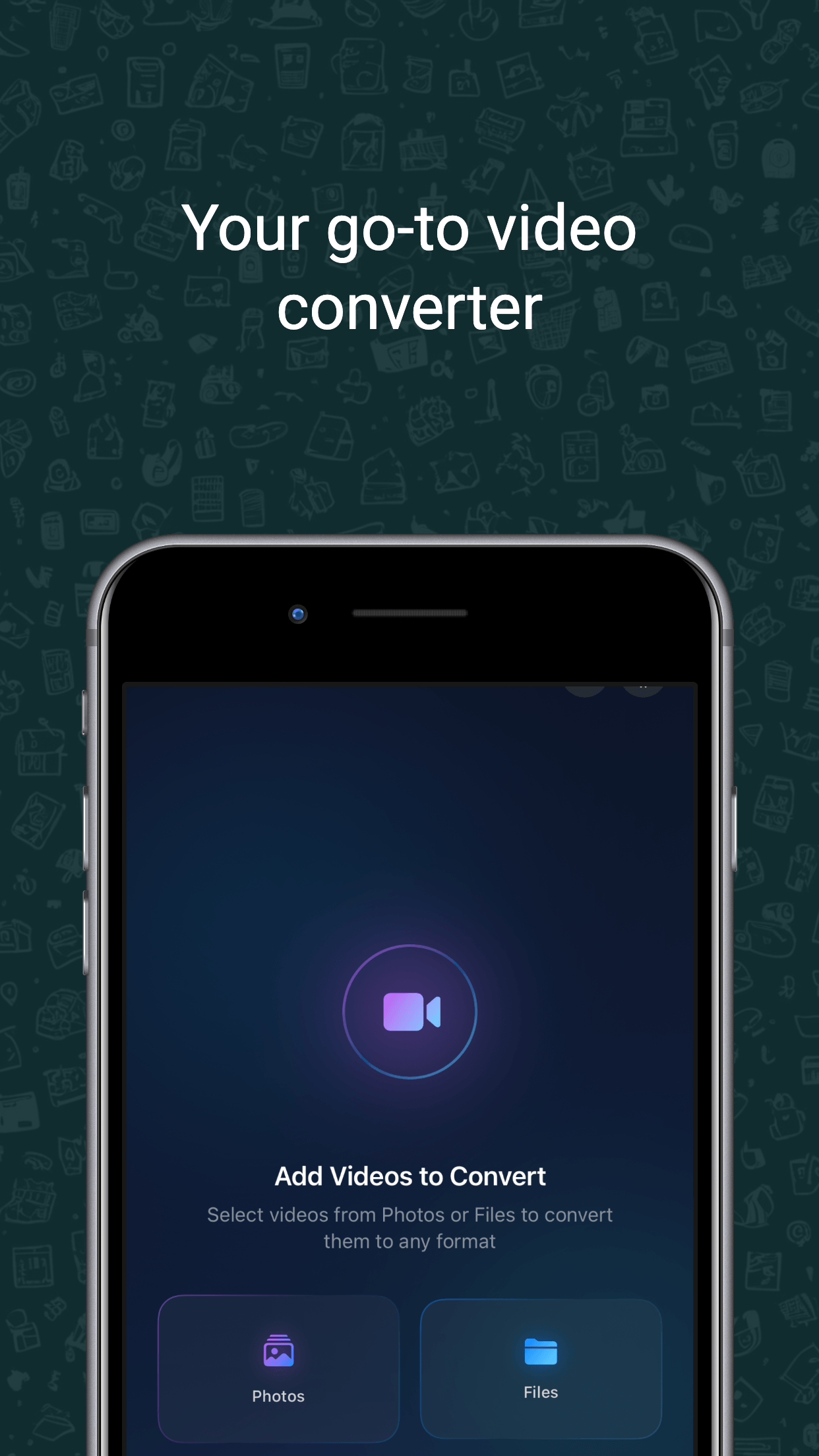
Vidmute converts, compresses and shrinks video right on your iPhone. Because everything runs on-device, you can change formats, extract audio and make GIFs with no uploads, no account, and no files ever leaving your phone.
Convert, compress and resize
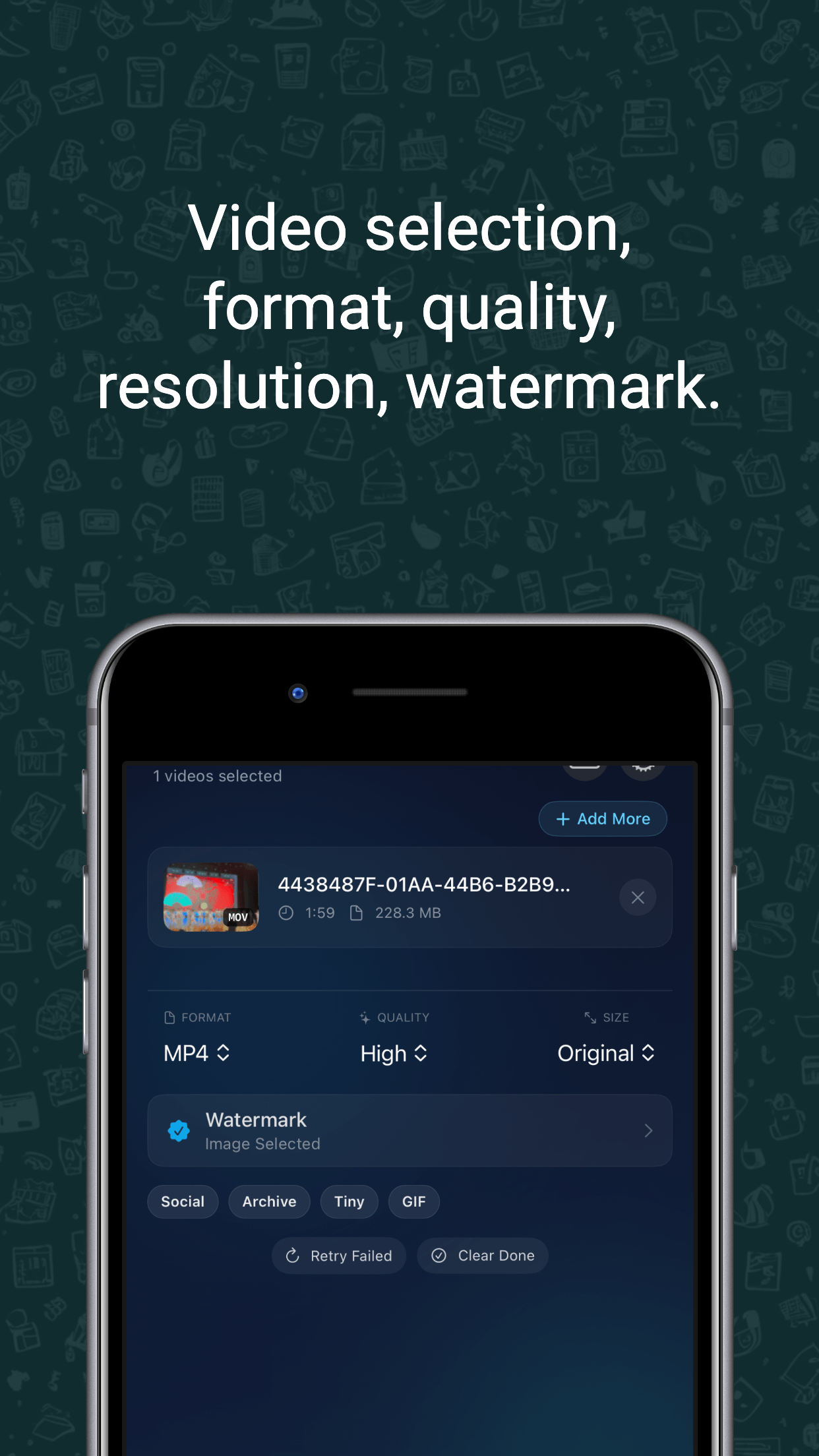
Change any video to MP4, MOV or M4V, then compress it to fit email limits, messengers or your storage. Choose a quality level or target resolution and Vidmute reduces the file size while keeping it sharp.
Learn how to convert MOV to MP4 on iPhone or follow the iPhone video compression guide.
Extract audio and make GIFs
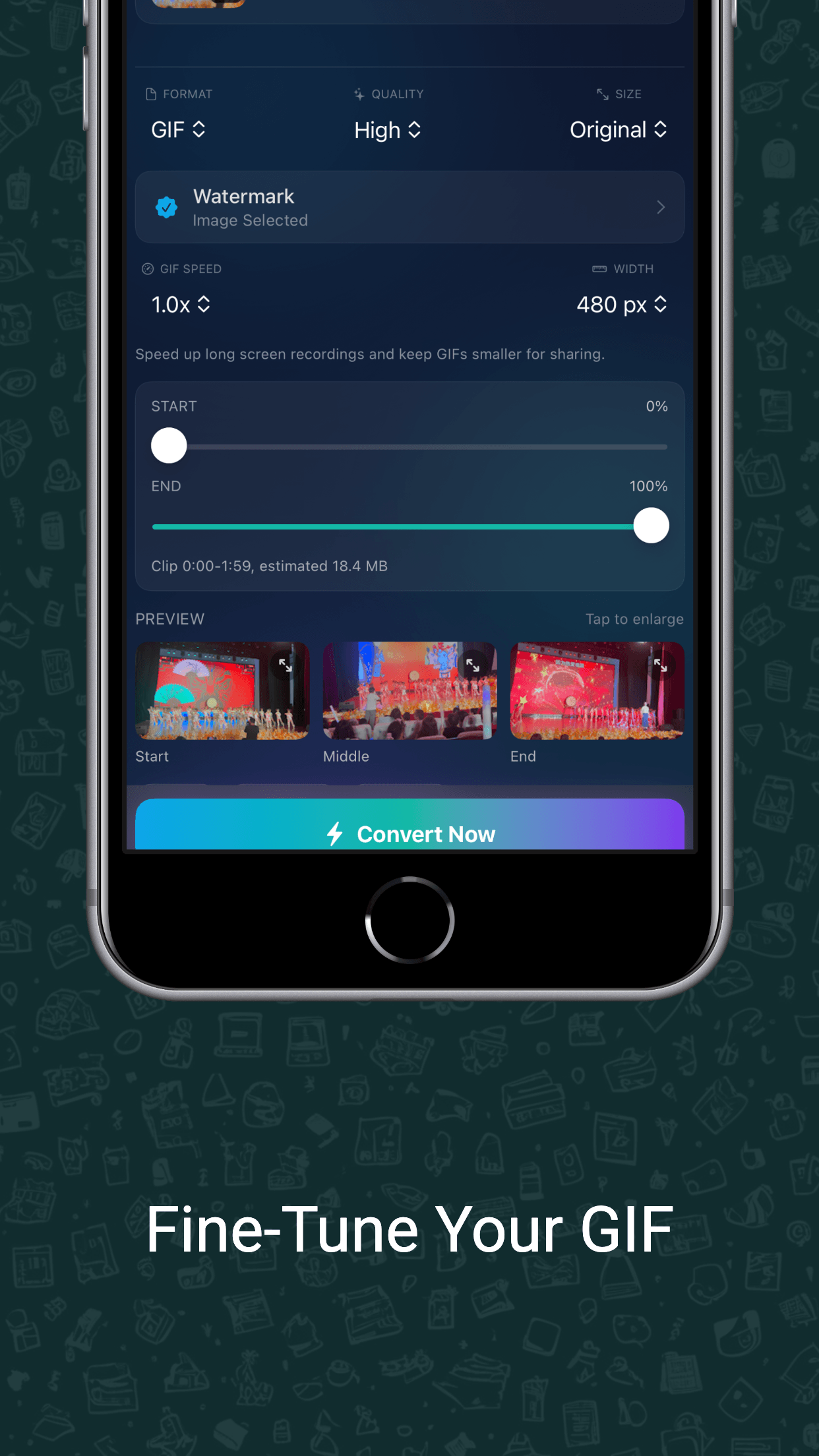
Pull the sound from any clip and save it as a clean M4A audio file, or turn a clip into a shareable GIF — trim the start and end, speed it up for long screen recordings, set the width, and preview before saving.
Batch conversion, fully offline
Queue multiple videos at once with their own settings, watch live progress, and retry only the ones that failed. There are no subscriptions, no usage limits and no uploads — Vidmute works in airplane mode.
Frequently asked questions
Is Vidmute free?
Vidmute is a one-time purchase with no subscription and no account required. Pay once and use all conversion, compression and audio extraction features.
Does Vidmute work offline?
Yes. Every conversion runs on-device, so Vidmute works fully offline — even in airplane mode. Nothing is ever uploaded.
Does it add a watermark to my videos?
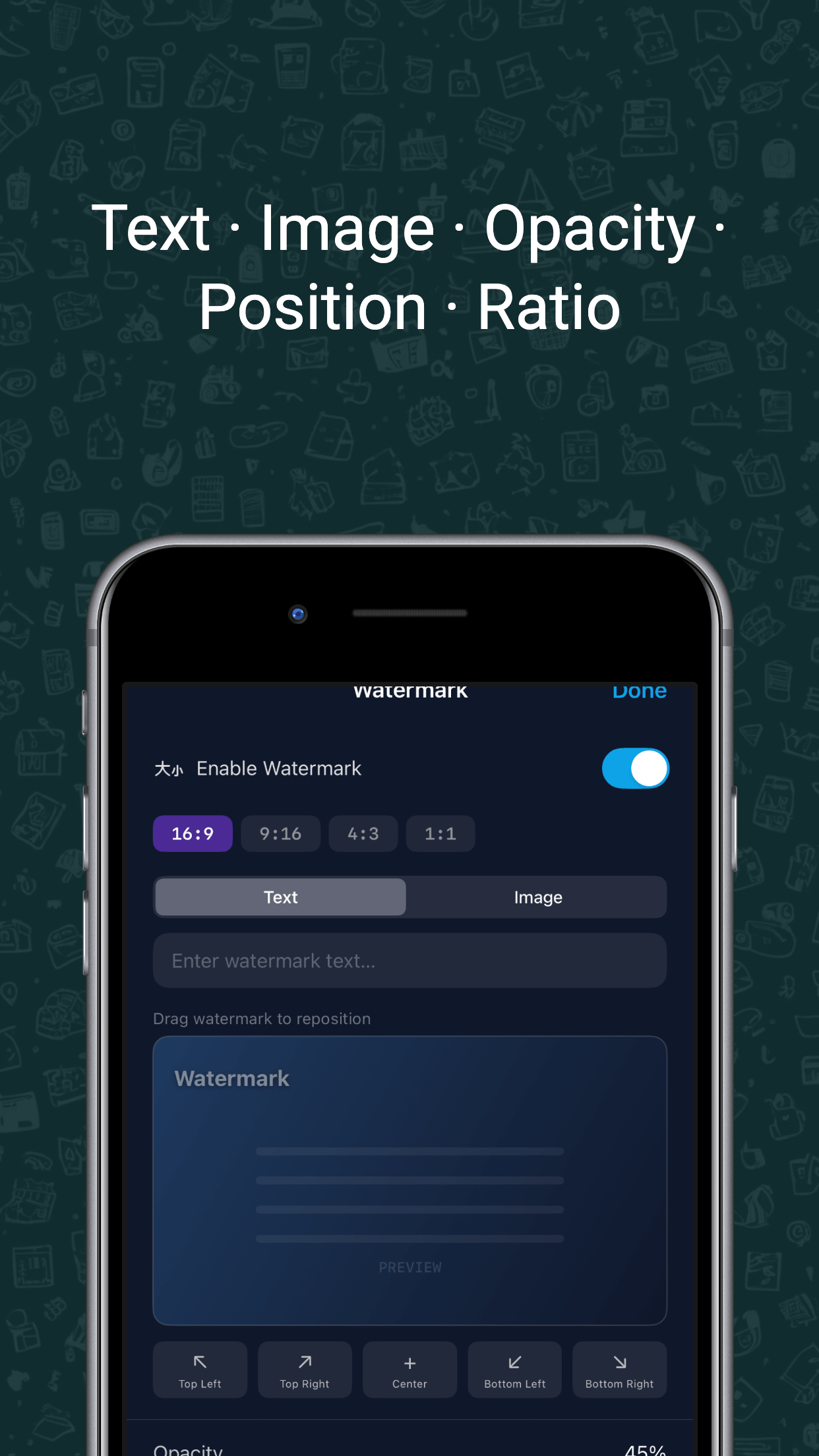
No. Vidmute never forces a watermark on your work. You can optionally add your own text or image watermark.
What formats does Vidmute support?
Input includes MP4, MOV and M4V. Output includes MP4, MOV, M4V, M4A audio, and GIF.
Can I extract audio from a video?
Yes. Vidmute extracts audio to a clean M4A file with an in-app preview before you export.